Dependency Injection is a tool we can use to automatically provide objects with services they need without having to explicitly declare what is needed inside of the objects themselves.
Let’s explore how you can detect when an object is inside the players camera view by using the camera’s frustum and axis-aligned bounding boxes (AABB).
Global usings are a new feature in C# 10 that give you the ability to declare a using directive over every source file in your project instead of needing to duplicate the declaration inside of each file in your projects!
Implicit usings is a feature in .NET that allows you to have the compiler automatically add global usings to your projects for common namespaces used in projects of the type you’ve chosen.
Today we’re exploring .NET Interactive and how you can use it inside of Jupyter Notebooks to run and document code samples alongside markdown documentation.
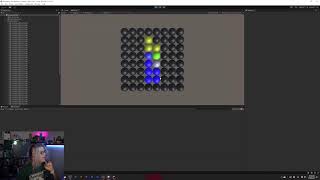
Let’s complete our SignalR in Unity experiment by adding a Blazor Website to it. This will allow us to use a browser to send messages directly to Unity to create updates instead of either needing to install a Unity game or run a console app.
We’re starting a new project beginning with an introduction to SignalR. Our goal is to introduce SignalR into a Unity project so we can communicate in real-time between a Unity game and a web app.
The Windows Terminal allows you to run any number of different profiles. Some of the defaults that you might see pre-configured include things like PowerShell and Command Prompt, but you can introduce your own profiles to the Windows Terminal to fit your needs!